
I remember the first time I launched a blog — it felt equal parts exciting and terrifying, like ordering at a café in a language you only half-remember. I built a clean WordPress site without writing a single line of code and grew it fast using smart content, social channels, and zero heavy ad spend. Here’s a practical, friendly roadmap you can follow tonight. ⏱️ 7-min read
Pick your WordPress path: free hosting vs self-hosted
Short version: start on WordPress.com’s free plan if you want zero cost and zero fuss; move to a self-hosted WordPress.org setup later when you need more control. Think of WordPress.com free as training wheels — safe, simple, and occasionally limiting (no plugins, limited themes, and monetization rules). Self-hosted WordPress.org is the full bike: you own it, can add plugins and custom themes, and run ads — but it usually involves hosting fees and a tiny learning curve.
Why I recommend starting free: you get a professional site quickly with no cost and no technical headaches. When traffic or goals grow, you can migrate to WordPress.org and install the tools you want.
- WordPress.com free: fastest, no coding, subdomain like yoursite.wordpress.com, limited plugins/themes/ads.
- WordPress.org (self-hosted): complete control, install plugins and themes, needs hosting and occasional maintenance.
If you want the official reading on each approach, see WordPress.com and WordPress.org for straight facts: WordPress.com and WordPress.org. Starting free is the low-risk route — like sampling the coffee before committing to a whole bag of beans.
Your starter setup: free themes, plugins, and a launch-ready site in under 30 minutes
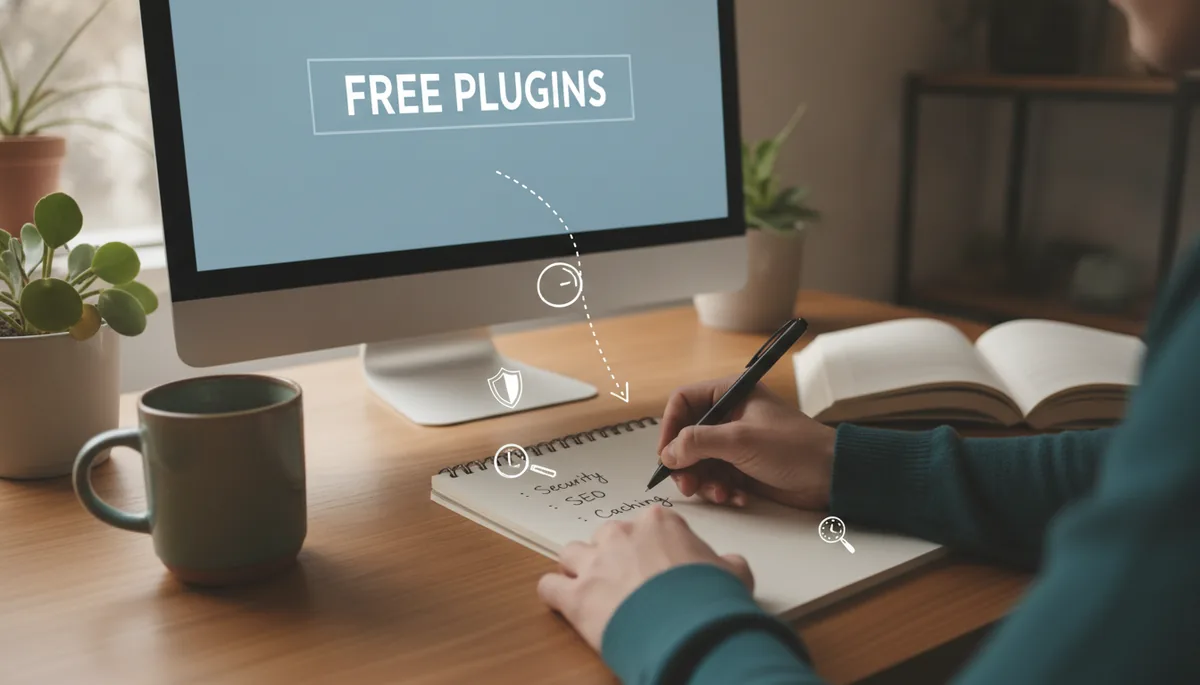
I signed up, picked a theme, added my logo, and had a working homepage in under half an hour — no code, no tears. On WordPress.com free you’ll use the built-in customizer and theme options (plugins aren’t available on the free tier). If you later move to self-hosted WordPress, the following free plugins are staples:
- SEO: Yoast SEO or Rank Math (both have free versions)
- Backups: UpdraftPlus (free backup automation)
- Security: Wordfence (free firewall and scanner)
Quick setup checklist:
- Create a free WordPress.com account and pick a site name (yoursite.wordpress.com).
- Choose a clean, responsive theme — lean and readable (think minimalist, not chaotic).
- Customize branding: site title, tagline, colors, and upload a simple logo (use Canva for a free logo).
- Build essential pages: Home, About, Contact, and Blog — don’t overthink it.
Tip: keep the scope tight — fewer widgets and pages means faster launch. Like putting only essentials in a backpack for a day trip instead of the whole kitchen sink.
Plan your content: a simple content calendar and topic framework
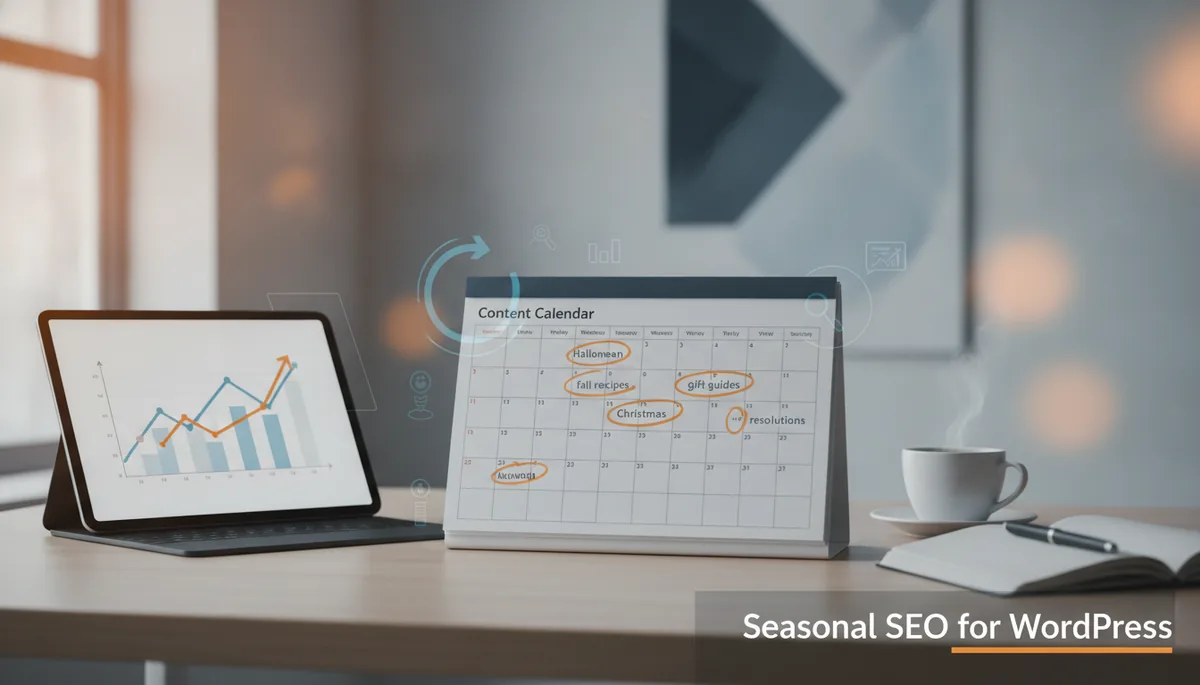
When I started, I sketched a six-week plan on the back of a napkin and it saved me from the “what do I write today?” panic. Your calendar should balance pillar posts (big, helpful guides) and quick wins (short how-tos or list posts that are easy to produce).
Example 6-week content skeleton:
- Week 1: Pillar guide (1,200–2,000 words) — the core evergreen topic for your niche.
- Week 2: Quick practical post (500–800 words) — answer one common question.
- Week 3: List or roundup (700–1,000 words) — easy to make and shareable.
- Week 4: Case study or personal story — builds trust and personality.
- Week 5: Pillar follow-up or update — expand the original guide.
- Week 6: FAQ or myth-buster post — addresses search intent and common queries.
Map each post to search intent: informational (how-to), navigational (where to find), transactional (buy/review), or commercial investigation. Use a simple spreadsheet with columns: publish date, title, keyword/topic, target intent, CTA. Think of it like a TV schedule for your blog — consistent airing builds an audience.
Create high-quality posts that rank: on-page SEO and readability basics
I write like I’m explaining stuff to my best friend over coffee — direct, useful, and a little sassy. Search engines reward clarity and helpfulness; humans prefer skimmable text. Combine both and you win.
Key on-page steps:
- Titles & meta descriptions: make them clear, include your primary keyword naturally (not like a robot stuffing snack wrappers into a suitcase).
- Headings: use H2/H3 to break content into scannable chunks.
- Internal links: link to your pillar posts from new pieces — it’s like guiding readers through your site like a friendly tour guide.
- Images: compress them, use descriptive filenames, and add alt text for accessibility and SEO.
- CTAs & FAQs: end posts with a simple call-to-action and a short FAQ to capture longer-tail queries.
Write short paragraphs, use lists, bold important bits (sparingly), and aim for readability — your future self will thank you. For search visibility, register your site with Google Search Console to see what queries bring people in: Google Search Console.
Design fast, professional, and accessible: free themes and design ideas
Design doesn’t have to be flashy to look professional — clean spacing, consistent fonts, and good contrast do most of the heavy lifting. I picked a free responsive theme, set a 2-color palette, and used Canva for a simple header graphic — instant polish without hiring a designer.
- Pick a free responsive theme (Twenty Twenty-Three, Neve, or Astra on self-hosted) and keep layout simple.
- Customize fonts and colors for contrast; use a legible font size (16px body is a safe bet).
- Use block editor blocks or free page builders (on self-hosted) — avoid custom code.
- Accessibility basics: semantic headings, alt text, captioned media, and keyboard-friendly navigation.
If your design is trying too hard, it probably is — aim for "clean coffee-shop chic," not "flashy diner neon." Accessibility and mobile responsiveness are non-negotiable; most visitors will arrive on phones, and clunky mobile design is like handing someone a soggy menu and asking them to order a steak.
Grow without breaking the bank: free growth strategies and monetization ideas
Growing a site without pouring cash into ads is my favorite puzzle. I leaned on organic distribution, repurposing, and low-cost monetization early on — and you can too.
- Distribution: share posts on Pinterest (great for evergreen content), X for quick updates, and LinkedIn for professional reach. Treat each platform like a different party: dress slightly differently for each.
- Repurpose: turn posts into short threads, pins, carousels, or one-minute videos to multiply reach without writing new long posts.
- Monetization (start small): affiliate links in relevant posts, sponsored posts once you have traffic, and simple digital products like checklists or guides.
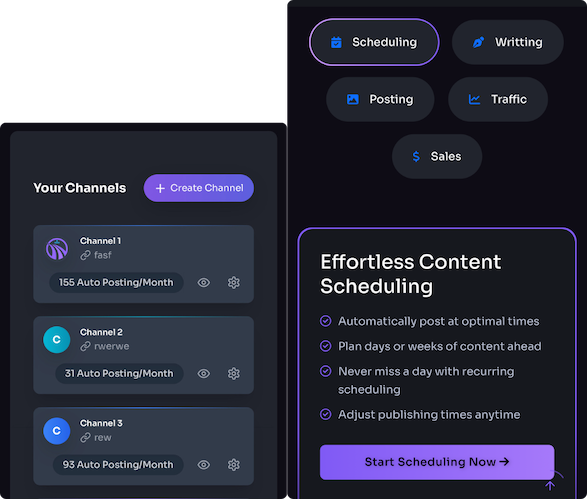
- Automation: consider tools that speed publishing and repurposing — Trafficontent and similar platforms can remove repetitive work (research any tool before use).
Remember: early monetization works best when it’s helpful and relevant — shove an affiliate link in every paragraph and you’ll sound like a salesperson at a garage sale. Focus on value first; money follows.
Launch and iterate: checklists, analytics, and next steps
Launch is not "publish and forget." I treat launch as phase one: go live, observe, iterate. Use built-in WordPress.com stats to watch traffic initially; when you upgrade or migrate, connect Google Analytics for deeper insights.
Simple launch checklist:
- Proofread and preview every page; fix broken links.
- Confirm mobile layout looks good and navigation is clear.
- Set up basic analytics: WordPress.com Stats now, Google Analytics later; verify with Google Search Console when possible.
- Create UTMs for any promotion links and set a basic goal (email signup or contact click).
- Plan your next 4 weeks of content based on the calendar you made.
After launch, check weekly metrics (page views, top posts, referral sources) and double down on what’s working. Treat analytics like coffee: useful, not a substitute for doing the work.
Final nudge: start small, be consistent, and prioritize helpful content. You can have a tidy, professional WordPress site tonight without coding, and scale it into something you’re proud of in months — like turning a small plant into a living room jungle, but less likely to murder your houseplants.
References: WordPress.com, WordPress.org, Google Search Console.
Powered by Trafficontent