

I'm a WordPress blogger who learned the hard way that shouting keywords from the rooftops (or stuffing H1s) doesn't move the needle — tidy structure, smart URLs, thoughtful internal links, and a little schema sparkle do. Here's a practical, coffee-shop-friendly playbook you can use today. ⏱️ 5-min read
Plan semantic heading structure for WordPress on-page SEO
Think of headings like a bookstore shelf: H1 is the shop sign, H2 are the genre sections, H3 are the subgenres — if your headings are a chaotic yard sale, readers and search engines both leave confused. I once rewrote a 1,800-word post’s headings and watched readability jump; it’s like giving a lost tourist a map (and telling them where the good coffee is).
- Use one H1 per post (title) and map H2s to main sections; use H3–H4 for logical subsections.
- Place target keywords naturally in an H2 or H3 — not every heading needs the keyword; aim for helpful context instead of keyword vomit.
- Keep headings descriptive and scannable; readers skim, so make your subheads do the heavy lifting.
Sarcastic truth: if your headings read like a ransom note made of keywords, tidy them up. Your reader isn’t solving a puzzle — they want answers.
Craft SEO-friendly WordPress URLs and permalinks
URLs are like your blog’s street address — short, clear, and not "apt#8675309" is preferable. I switched dozens of clunky auto-generated permalinks to concise slugs and stopped losing visitors to ugly links that look like bad spam. Proper permalinks build trust and give a tiny ranking nudge.
- Use simple slugs with 3–5 words that include the primary keyword (no need for stop words like "the" and "and").
- Reflect site structure: /category/primary-keyword/ or /primary-keyword/ — consistency matters more than style points.
- Set permalinks in WordPress under Settings → Permalinks; avoid changing live URLs often unless you 301-redirect the old ones.
Funny comparison: a long, messy URL is like wearing socks with sandals — technically possible, but people judge and search engines shrug.
Internal linking strategy that grows topic authority
Internal links are your topical scaffolding: connect pillar pages to supporting posts so Google sees a theme, not a random pile of posts. In one site reorganization I led, creating clear clusters around three pillars made content discovery smoother — like turning scattered recipe scraps into a cookbook.
- Create pillar pages for main topics and link from supporting posts back to the pillar and between related posts.
- Use varied, descriptive anchor text (avoid “click here”) and keep links contextually relevant.
- Regularly scan for broken internal links and prune thin pages; a helpful visitor experience beats link-stuffing for rankings.
Sarcastic bit: don’t link every sentence to your homepage like a clingy ex — be intentional.
Schema markup and rich snippets for WordPress
Schema is the backstage pass that helps search engines understand what your content actually is. I added Article/BlogPosting schema and breadcrumbs via a plugin and watched Google display tidier results. It’s not magic, but it’s like adding a neon sign to your entry — clearer to bots and humans.
- Implement core types: Article or BlogPosting for posts, BreadcrumbList for navigation, and Organization or Person for author/site info.
- Use reliable plugins or blocks (many SEO plugins add schema automatically) and validate with Google’s Rich Results Test or the Schema.org definitions.
- Keep structured data accurate and consistent with visible content to avoid misleading Google.
Funny line: schema won’t make your post taste better, but it might make Google hand-deliver even more visitors — like sending a butler to announce you at the party.
On-page elements that pair with headings and URLs
Headings and URLs are the skeleton; meta titles, descriptions, alt text, and accessible copy are the outfit. I always write meta titles that reflect the H1 and one H2 (naturally), and my CTR improved because pages felt honest in the search results — no bait-and-switch.
- Meta title: mirror the main heading and keep it under ~60 characters so it doesn’t truncate.
- Meta description: summarize the page and include a call to action or value statement (120–160 chars).
- Alt text: concise, descriptive for images; align it with the visible content and don’t keyword-stuff.
- Accessibility: use header tags correctly, captions for complex images, and readable language for screen readers.
Sarcastic touch: sloppy meta text is like a restaurant menu written by a bored raccoon — nobody knows what they’re ordering.
Content planning and WordPress post templates for SEO
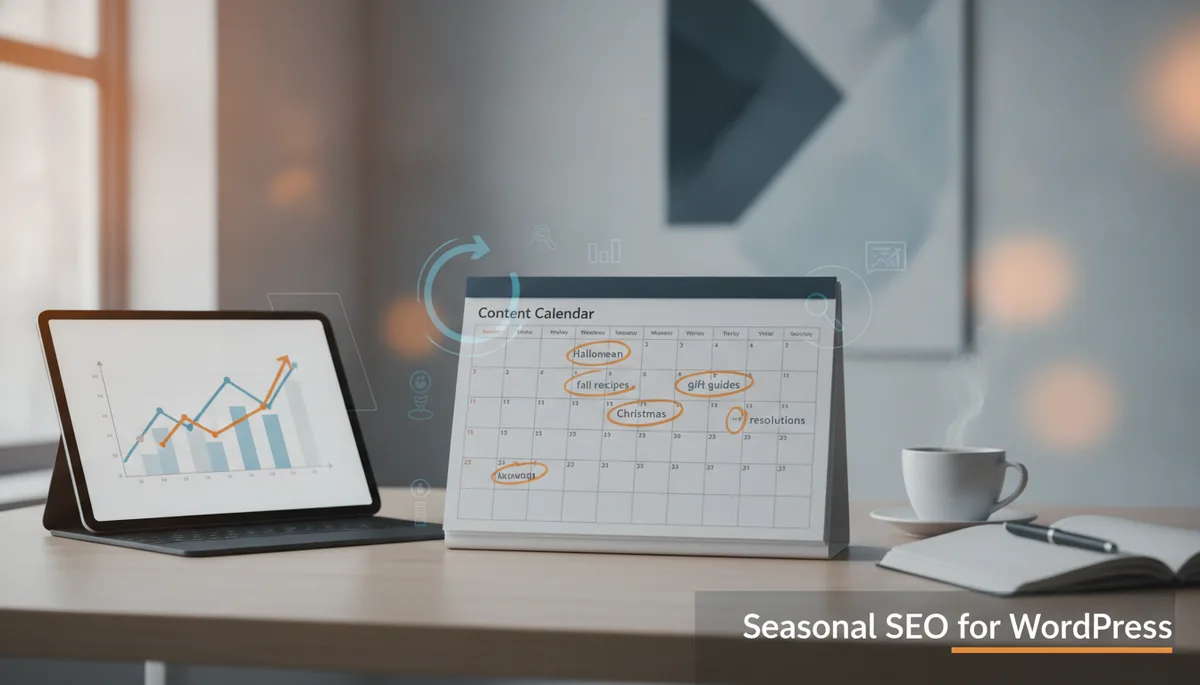
Templates save time and keep SEO consistent. I built a post template with preset H2 placeholders, schema blocks, and internal-link prompts — it’s like a recipe card so I don’t forget to add the secret sauce. Your content calendar should link clusters to seasonal trends and audience intent, not just whimsy.
- Create a repeatable post template: H1, H2s with keyword prompts, schema block, image alt text reminder, and internal link checklist.
- Plan content around keyword clusters and seasonality; schedule pillar updates quarterly and supporting posts regularly.
- Use editorial notes in drafts to remind writers where to add links, data, and schema.
Funny analogy: a content calendar without structure is like a fridge full of ingredients and no plan — you end up eating cereal for dinner again.
Audit, test, and optimize on-page SEO in WordPress
On-page SEO isn’t “set it and forget it.” I run quarterly audits — Google Search Console for query data, Lighthouse for performance, and my SEO plugin report for on-page issues — and then prioritize fixes. Small regular wins add up; think of it like brushing your teeth, but for your site.
- Quarterly checks: Google Search Console for search performance, Lighthouse for speed/accessibility, and plugin audits for missing tags or malformed schema.
- Fix broken links, canonical issues, and outdated headings; if you change URLs, always 301-redirect the old slug.
- Re-test structured data after edits with Google’s Rich Results Test to keep rich snippets healthy.
Sarcastic wrap-up: ignoring audits is like ignoring your car’s check engine light because you prefer surprises — until you’re stranded on the highway with low traffic and a sad blog.
References: Google Search Central — Structured Data, Schema.org — Article, WordPress.org — Using Permalinks
Powered by Trafficontent