

I started my first blog with zero traffic and a stubborn optimism; over time I used practical, low-cost WordPress SEO steps to move posts up Google without blowing my budget on ads. This guide is the playbook I wish I’d had — friendly, actionable, and caffeinated (like our imaginary coffee-shop chat). ⏱️ 6-min read
Define clear SEO goals for WordPress posts
Before you tinker with plugins or rewrite every headline, ask: what do you want each post to do? Treat SEO like a dating profile — decide the relationship you want (inform, convert, entertain) and align your content to it.
- Identify a target keyword and the user intent (informational, transactional, navigational) for every post. If intent and content mismatch, Google’ll ghost you faster than a bad date.
- Set measurable metrics: desired rank position (top 10?), organic sessions, bounce rate, and conversions (newsletter sign-ups, sales). Metrics keep you honest.
- Choose a realistic publishing cadence: once a week, twice a month — whatever you can sustain. Consistency beats perfection.
"When I started, my goal was simple: get one post a month to the top 5 for a niche query. That small target made the work doable and measurable."
Conduct keyword research tailored to WordPress blogs
Keyword research for small sites is less about stealing broad head terms and more about hunting long-tail phrases that people actually search for. Think fishing with a spear, not bombing the ocean.
- Use free and cheap tools (Google Search Console, Keyword Planner, Ubersuggest, or a trial of Ahrefs/Moz) to find long-tail keywords with reasonable volume and lower difficulty.
- Map keywords to topics: create a content cluster with one pillar post (broad topic) and several supporting posts (long-tail variations). This helps internal linking and signals topical authority.
- Prioritize keywords by intent and effort: list quick wins (low competition) first, then plan bigger pillar pieces.
Sarcastic truth: chasing the broadest keyword is like trying to win the lottery — possible, but don’t quit your day job.
Nail on-page optimization for WordPress
On-page SEO is your content’s wardrobe: dress it well and Google will let it into the party. Do the basics right — titles, headers, and images — and you’ll avoid looking like the SEO equivalent of socks with sandals.
- Title and meta description: include the primary keyword naturally and write a compelling reason to click. Keep titles ~50–60 characters and meta descriptions ~120–155 characters.
- Headers: use one H1 (usually your post title), H2s for main sections, and H3s for sub-points. Headers make your content scannable and help Google understand structure.
- Images: compress (WebP or compressed JPEG), add descriptive alt text using keywords where relevant, and include captions when useful.
- URL structure: keep it short and keyword-friendly (example: /how-to-optimize-wordpress-posts).
Example quick checklist: optimize title, write meta, add H2s, compress images, set one focus keyword in your SEO plugin. Easy to follow; harder to ignore.
Fun fact: Google's not judging your sentence fragments — but your meta description might be the only thing that convinces someone to click. Don’t be boring.
Master technical SEO and site health on WordPress
Technical SEO is the plumbing of your site: invisible until it floods. Fix speed, mobile-friendliness, HTTPS, sitemaps, and crawlability early so Google can actually read your posts.
- Speed: use caching (WP Rocket, or free plugins like W3 Total Cache), lazy-load images, and serve optimized images. A fast site is non-negotiable for mobile users.
- Mobile: pick a responsive theme (most modern themes are), and test in Google’s Mobile-Friendly Test.
- HTTPS and security: enable HTTPS with a free certificate (Let’s Encrypt) — it’s a trust signal and a tiny ranking factor.
- Sitemaps and robots.txt: ensure your sitemap is submitted in Google Search Console and your robots.txt doesn’t accidentally block important pages.
Sarcastic line: if your site loads slower than a snail on vacation, Google will treat it like a last-resort bakery — people only go when they have to.
Build a practical content plan and post templates
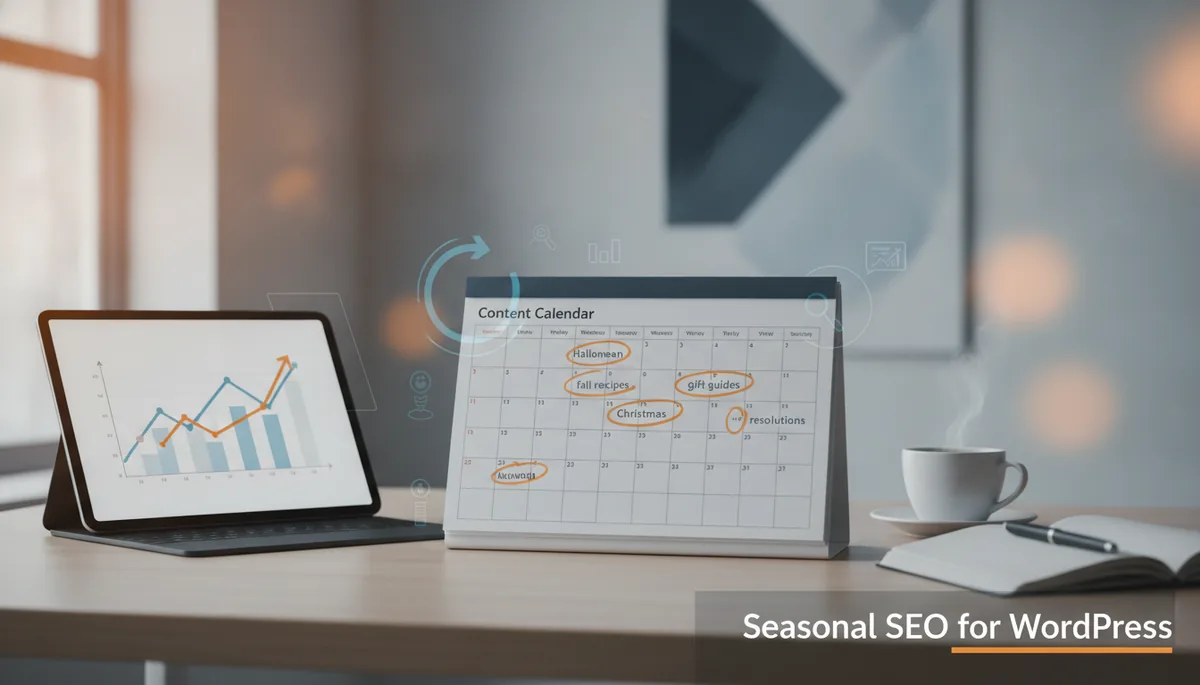
Structure beats chaos. A content calendar and a few reusable templates will save time and keep quality consistent — like having a recipe card instead of guessing ingredients for every dinner.
- Create a simple calendar (monthly or quarterly) listing pillar topics and supporting posts. Include target keywords, intent, and desired publish date.
- Use reusable post templates in WordPress: intro, H2 sections, conclusion, CTA, and an FAQ block. Templates speed up creation and keep SEO elements in place.
- Implement FAQ/Schema blocks for common questions to increase the chance of rich results (use your SEO plugin or structured data plugins).
My tip: keep a “batch day” to write outlines for a month — you’ll feel like a content machine and less like a frazzled novelist staring at a blinking cursor.
Leverage WordPress plugins and workflows for growth
Plugins are your assistant, not your brain. Pick a few reputable ones and learn them well — cluttering your site with every shiny plugin is how good intentions become slow crashes.
- SEO plugins: Yoast SEO, Rank Math, or All in One SEO — pick one and configure basics (XML sitemap, meta templates, schema). Don’t run multiple SEO plugins at once; they fight like toddlers over a toy.
- Performance: WP Rocket is excellent (paid), but free alternatives plus proper caching and a CDN are fine for small sites.
- Internal linking tools: use plugins or manual strategies to add contextual internal links — it helps distribute authority and keeps readers on the site.
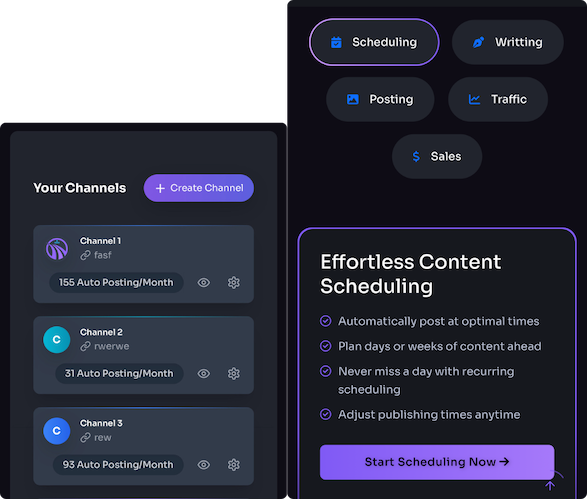
- Workflow automation: schedule posts, auto-share to social via a plugin or Zapier integration, and set a checklist for each post before publishing.
Sarcastic gem: installing a plugin for every SEO problem is like buying a gadget for every kitchen task — you’ll end up with 20 things that do one thing each and a very confused countertop.
Promote, link, and grow authority for WordPress posts
Great content needs oxygen; links and promotion are the air. Focus on sustainable link-building and internal linking rather than sketchy backlink schemes that age like milk.
- Internal linking: link new posts to relevant pillar pages and vice versa. Use descriptive anchor text where natural.
- Backlinks: earn links through outreach, guest posts, resource roundups, and creating genuinely useful content (original data, guides, tools).
- Promotion: share on social, send to your email list, and repurpose content (short posts, PDFs, videos). Optimize Open Graph tags so shares look sharp on social platforms.
Real talk: a single authoritative backlink is worth more than a hundred low-quality ones. Quality over hustle — unless you enjoy cleaning up penalties later.
Measure results and iterate: examples and signals of success
Track the right signals and change course when data tells you to. Small, steady improvements win the race — not dramatic overnight fixes.
- Tools: use Google Search Console for queries and clicks, Google Analytics (or GA4) for behavior, and a simple rank tracker for target keywords.
- Signals of success: steady rise in impressions and clicks, improved average position for target keywords, longer sessions, and more internal links to the page.
- Iterate: refresh underperforming posts (update facts, add sections, improve keywords), merge thin posts, and re-promote after updates.
Example: I revived a 2019 post by adding updated data, better images, and internal links from new content — it climbed from page 3 to the top 7 in two months. Not magic, just persistence and elbow grease.
References: Google Search Central, WordPress.org: Optimization, Moz: Beginner's Guide to SEO.
Powered by Trafficontent